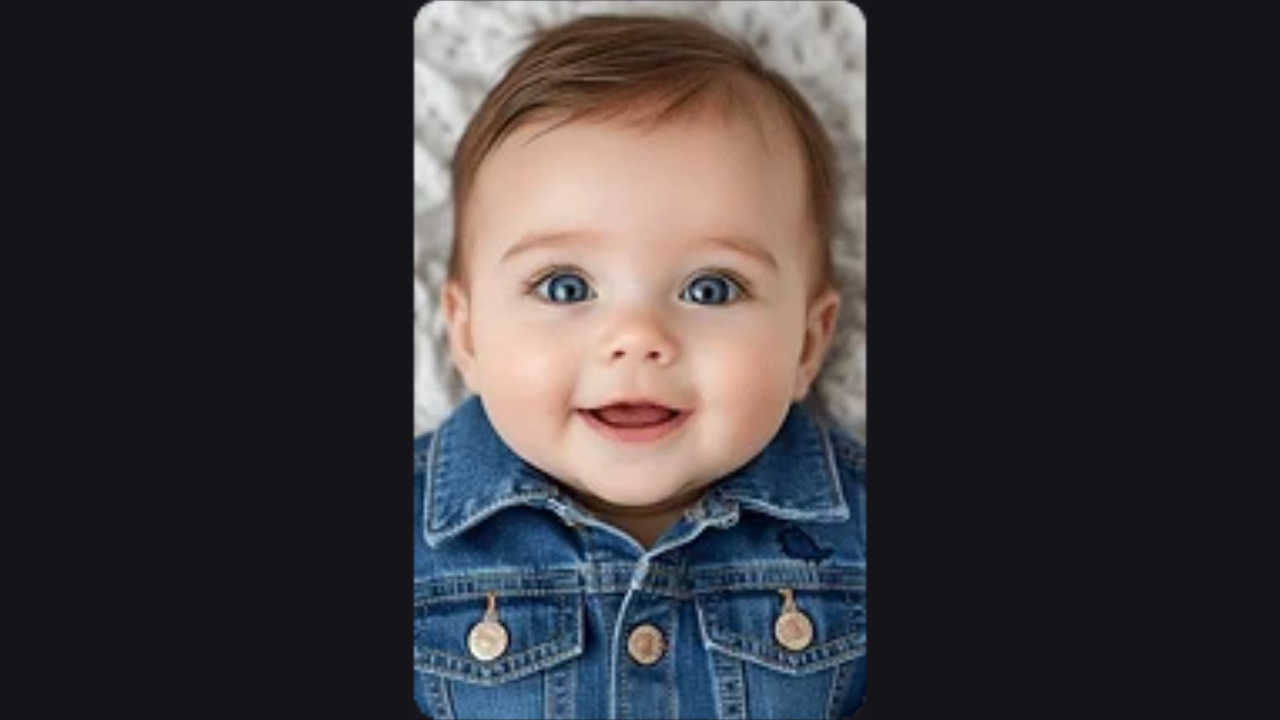
Prompt
Template 1 of 1Wondering what your future child might look like? Our AI Baby Generator combines two adult photos into an imagined baby, child or teenager, with choices for gender, age and resemblance.
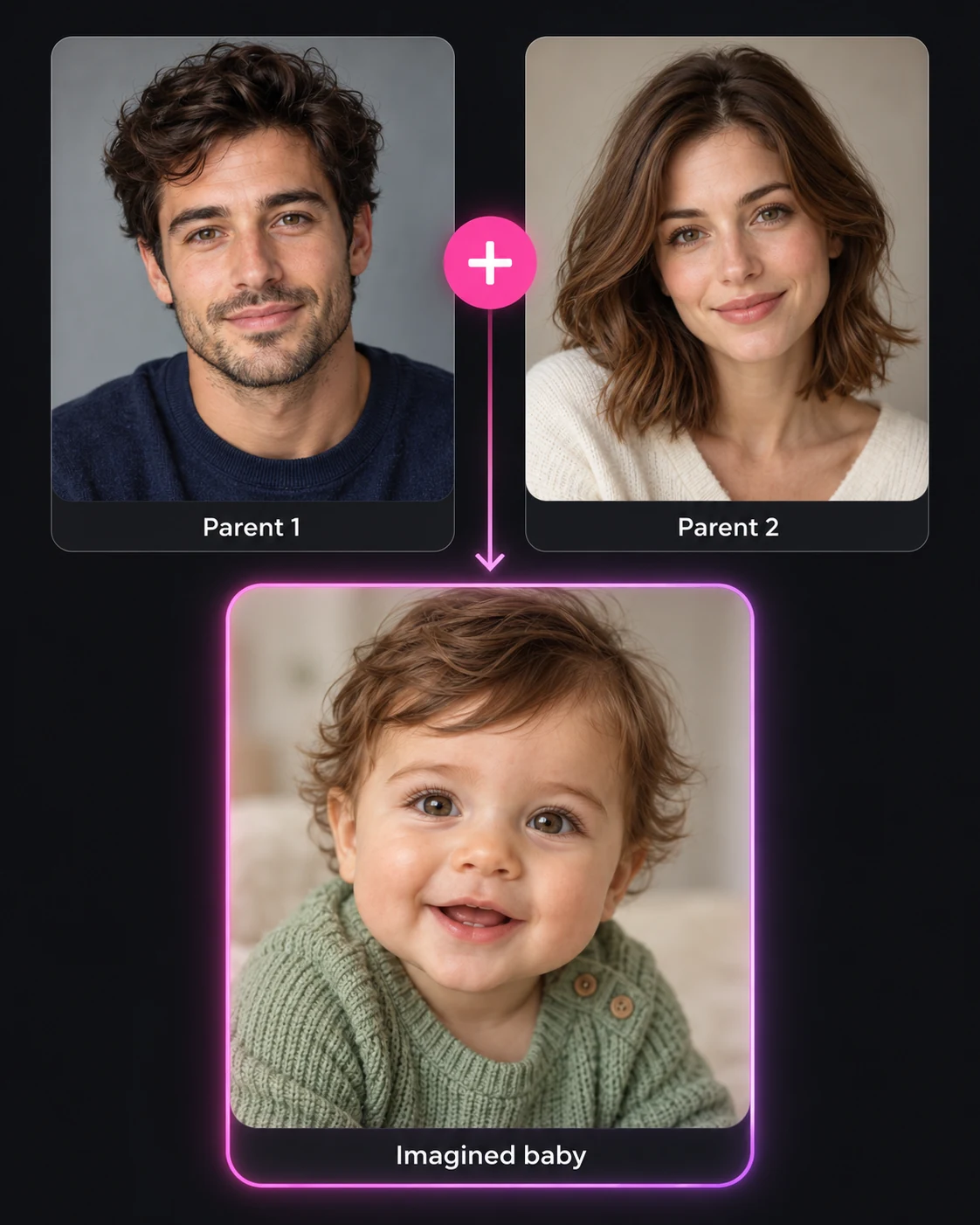
See how an AI Baby Generator uses two adult portraits as references for a fictional child. Compare the faces, then try your own pair with a different age or resemblance setting.
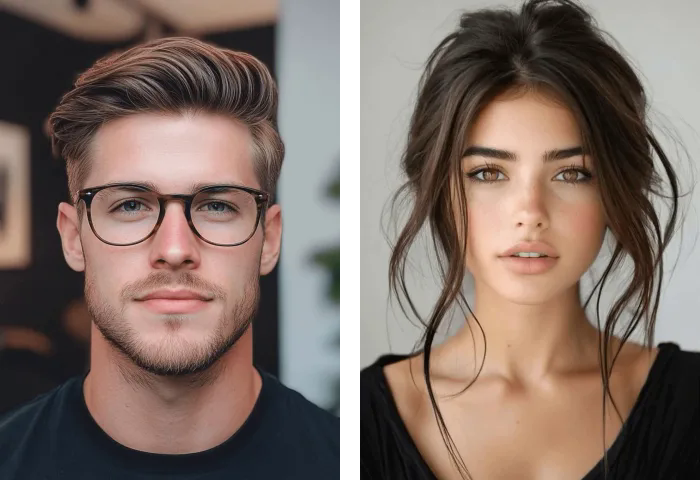
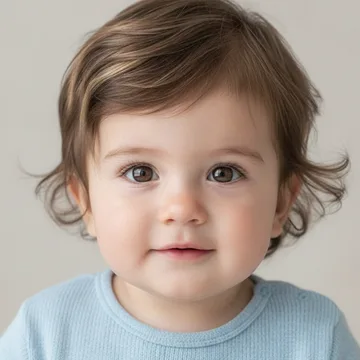
Upload one photo of each adult to the AI Baby Generator. Pick front-facing images with even lighting so both faces are easy to distinguish.
Choose a boy, girl or twins, then set age and resemblance. The AI Baby Generator creates child-only portraits; adult photos serve only as references.
Sign in, check the 40-credit photo cost and generate. Download your favorite portrait, or change one setting in the AI Baby Generator to compare another possibility.
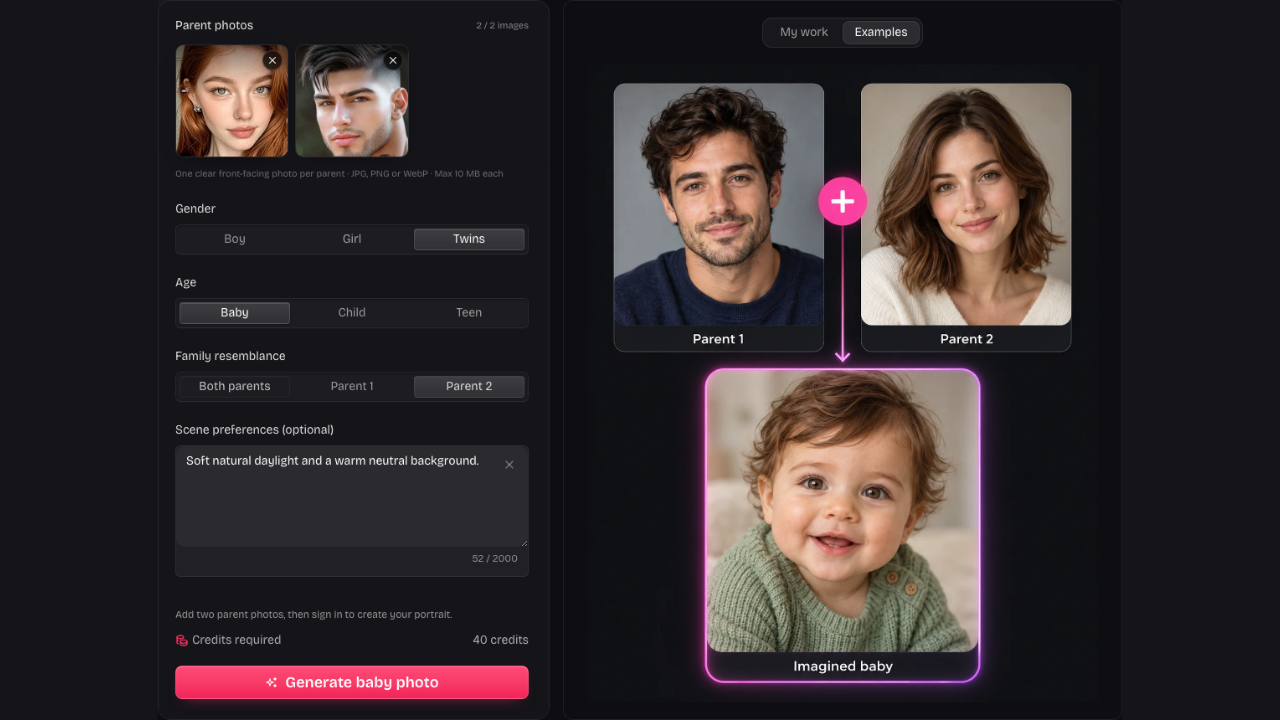
Start with two recognizable faces instead of a text-only description. The AI Baby Generator uses both portraits as visual references, giving your imagined child a connection to the people you chose.
Upload parent photos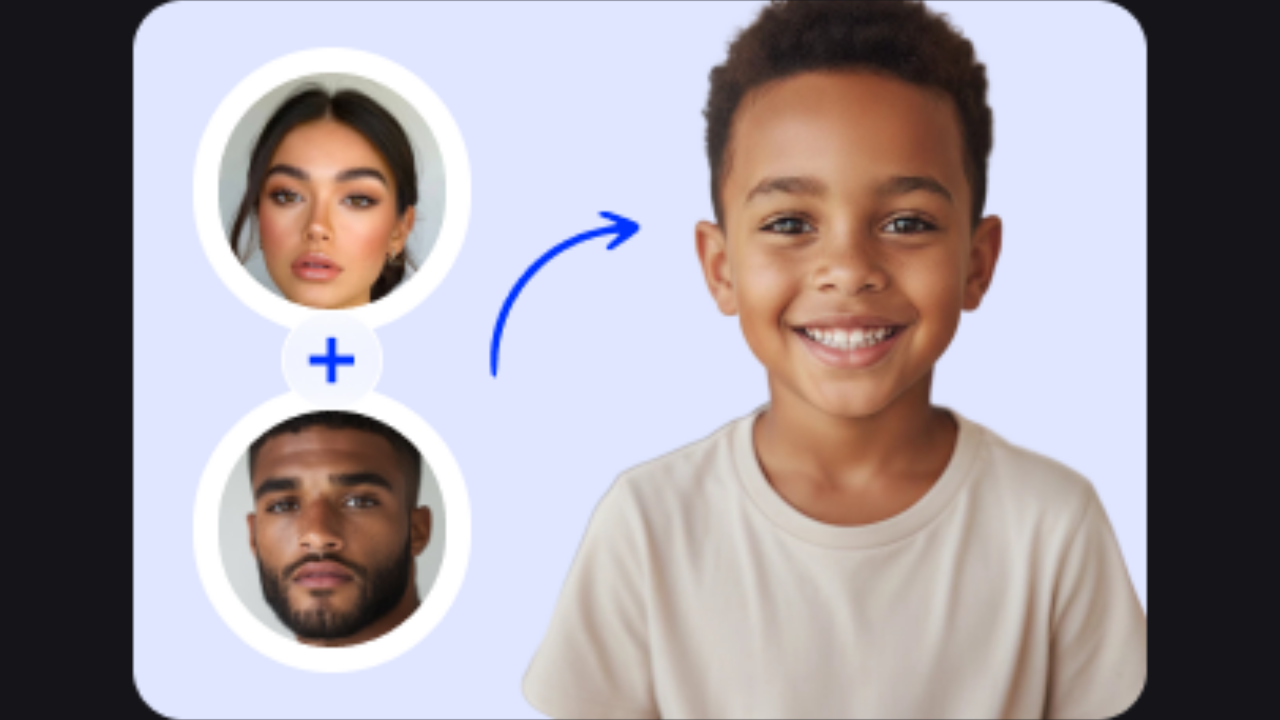
The same pair can inspire different stages of growing up. Use the AI Baby Generator as a kid generator by selecting Child or Teen, while keeping the original parents available for another comparison.
Explore different ages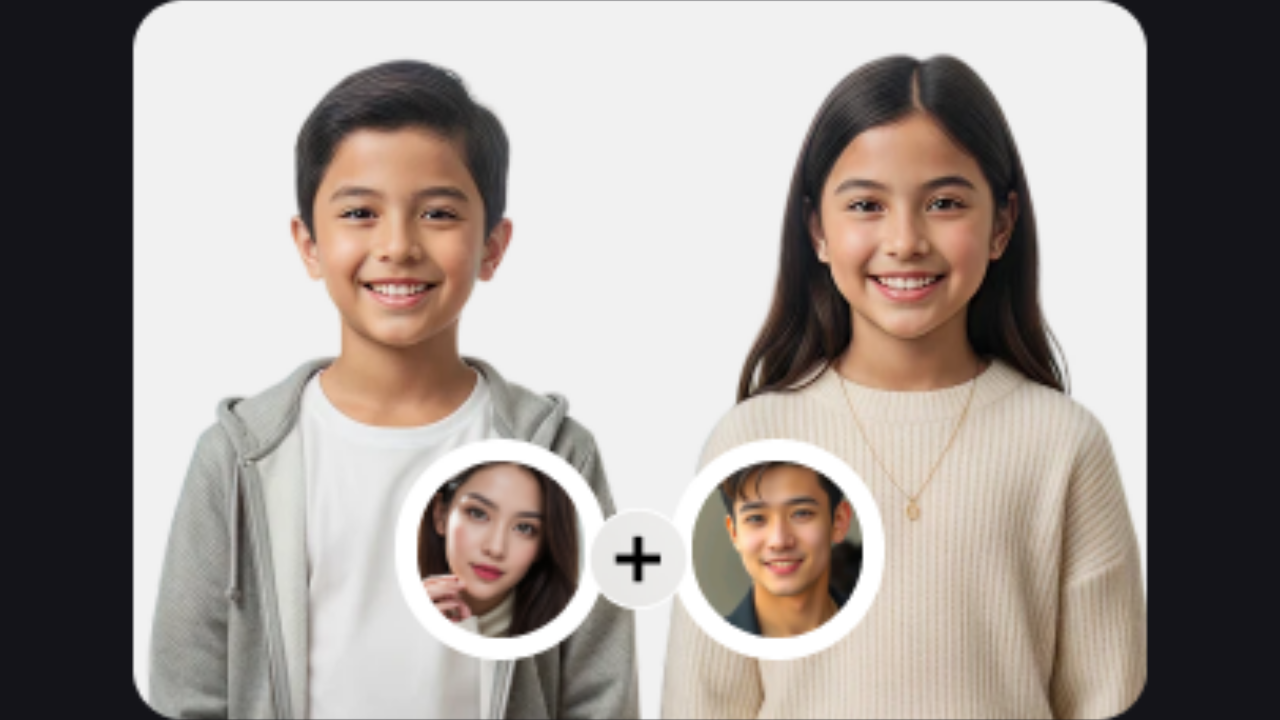
Picture one child or a fictional boy-and-girl twin pair. The AI Baby Generator lets you choose an age and resemblance before generation, so the child portrait follows your selected creative direction.
Choose your portrait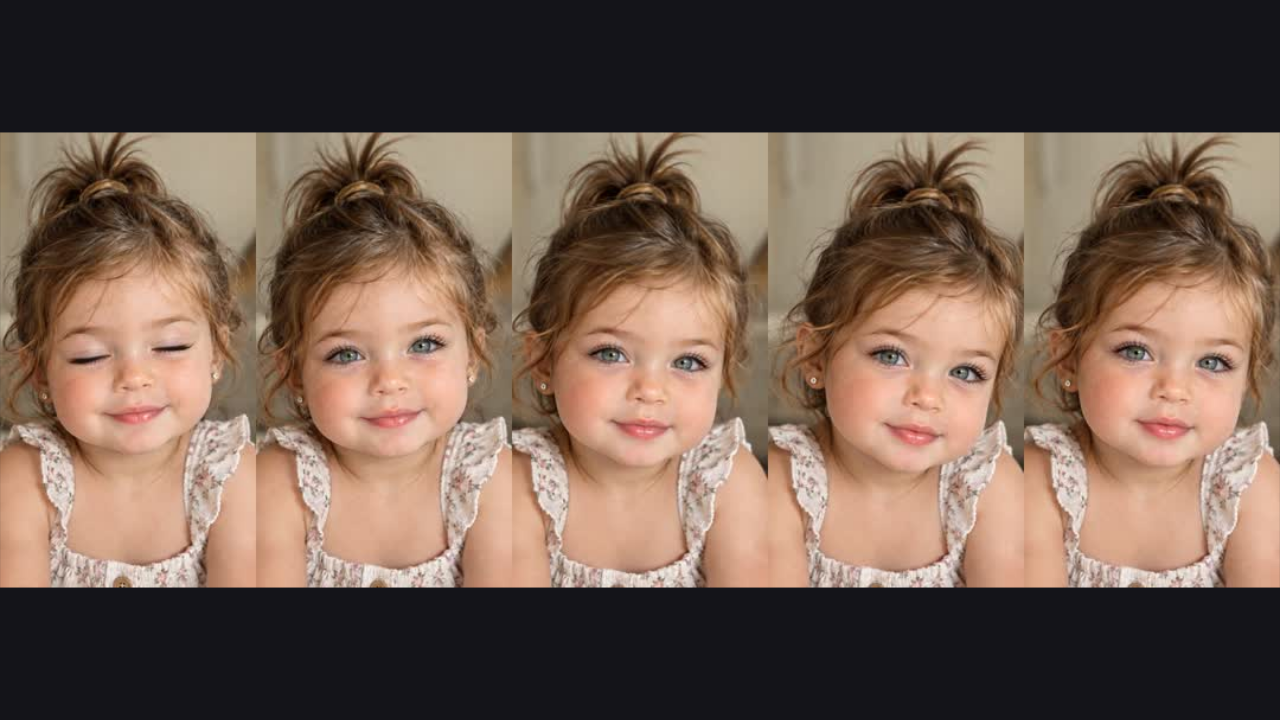
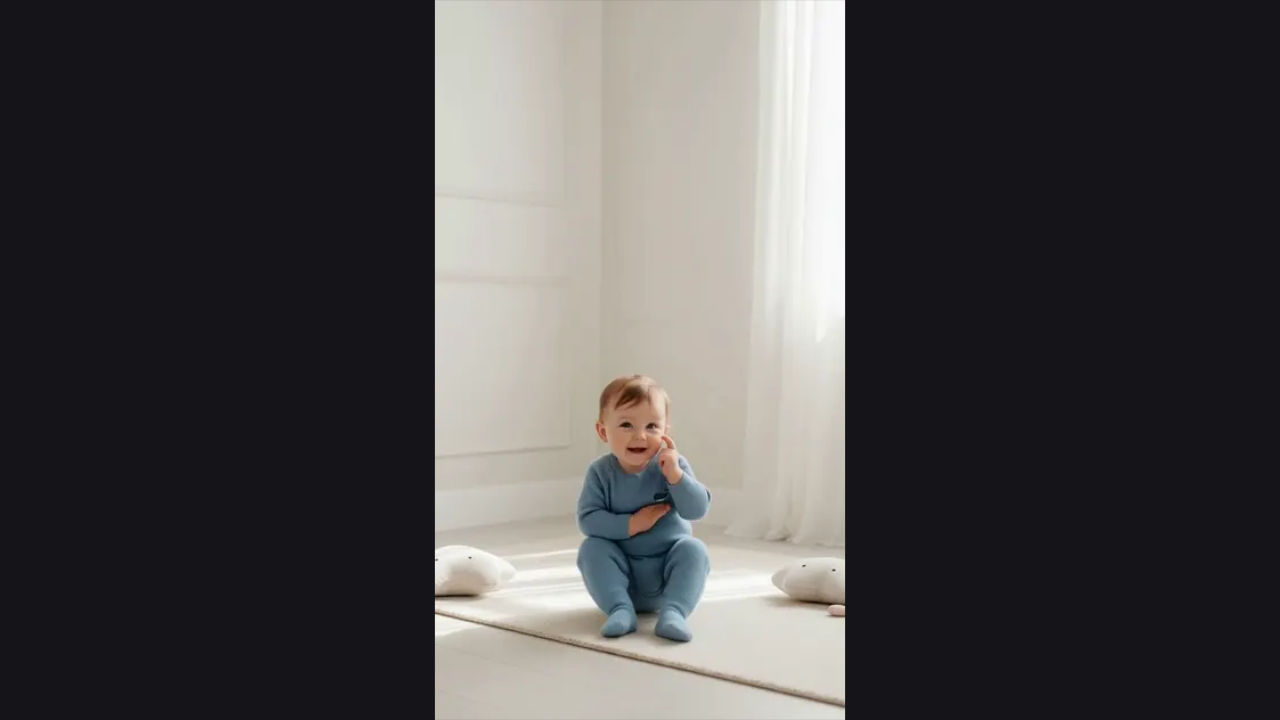
Download the still image from My work, or open Animate to continue with a short video. Your AI Baby Generator portrait becomes the starting point for a smile, a wave or a giggle.
Create your portraitA baby maker should give you useful choices before you spend credits. Keep the two references, adjust the portrait and compare the result you actually wanted to see.
Balance both adults or favor one parent’s appearance. The AI Baby Generator offers a creative direction without presenting the result as a genetic forecast.
Add a short note about clothing, background or mood. Your AI Baby Generator request keeps the selected age, gender and resemblance alongside that note.
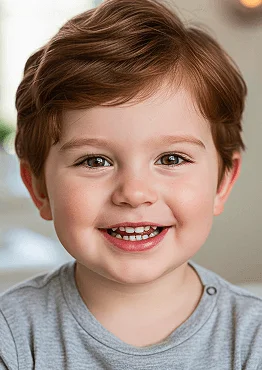
Saved creations stay with your account in My work. Return to the AI Baby Generator to review results and restore the settings used for a portrait.
Download a completed portrait while it is stored. The AI Baby Generator makes a shareable keepsake for a private family conversation or an imagined future album.
The AI Baby Generator offers one visual answer using the two photos you provide. Try a balanced resemblance first, then compare a version that favors either adult if you want to explore different possibilities.
No. Faces depend on many inherited traits and on development over time. This baby generator from parents uses visual references for entertainment; its output cannot establish parentage, health, ancestry or a future child’s actual appearance.
Use a separate, clear portrait for each adult. A visible face, natural lighting and a fairly forward-facing angle give the references less ambiguity. Avoid sunglasses, heavy face filters, large obstructions and crowded group photos.
Your first sign-in includes 40 free credits, enough for one baby photo. More photos cost 40 credits each. Buy 400 credits for $2.99 or 5,200 for $19.99, with no subscription or expiry. The eye color calculator is free without an account.
Yes. Set Boy, Girl or Twins before starting the AI Baby Generator. Twins requests a fictional boy-and-girl pair in one image. Choose Baby, Child or Teen for a child-only portrait. Each new generation costs 40 credits.
Yes. Resemblance lets you favor Parent 1, favor Parent 2 or keep a balanced mix. Compare completed portraits with the same references to see how that direction changes the imagined face.
Open Account, then Credits, to check your balance, buy a pack or review transactions. Purchases are one-time payments with no automatic renewal, and credits never expire. Generated files have a separate 30-day storage window, so download favorites before their files expire.
A babymaker creates a new picture from visual references. An eye color calculator instead takes selected eye colors and returns an illustrative distribution. Use the calculator when you want to compare color combinations without uploading photos.
Keep the same adult photos and change one option at a time in the AI Baby Generator. Compare age, gender or resemblance separately so you can see which choice affected the portrait.
Open My work while signed in to the account that created it. The AI Baby Generator keeps saved portraits with their settings and a download action. Photos are stored for 30 days, so download favorites you want to keep.
Yes. Choose Animate on a completed portrait to continue in the baby video tool. Each five-second video costs 1,000 credits from the same balance used for photos. Creating the original portrait costs 40 credits separately, and you can top up whenever needed.
Check both reference faces, then review age, gender and resemblance. Save useful results before trying again. The AI Baby Generator creates a new interpretation rather than an exact edit.

Use two adult photos as references and let the AI Baby Generator create a fictional child-only portrait to save and compare. Adults are not included.
Choose parent photos