Prompt
Template 1 of 1AI Baby Video Generator for Photos That Move
Give an imagined baby portrait a little movement. The AI Baby Video Generator starts with two parents’ photos or a baby image, then creates a five-second clip with a smile, wave or giggle.
Start with
A Still Portrait, Then a Little Movement
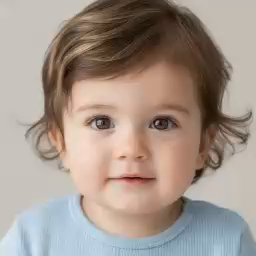
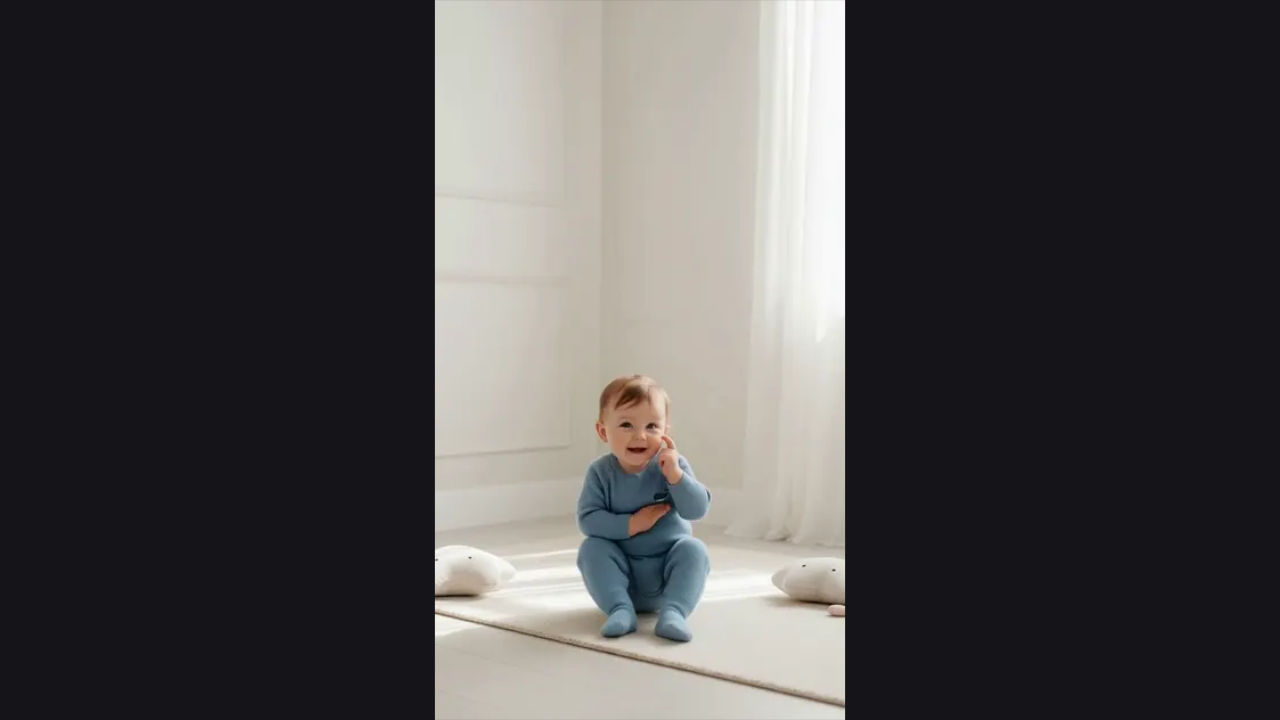
Compare an opening portrait frame with the same clip in motion. The AI Baby Video Generator preview shows a small change in expression, helping you picture how an animated baby portrait can feel.
How the AI Baby Video Generator Works
Try the toolStart with a baby portrait
Create a portrait from two adult photos, or upload a baby image you may use. The AI Baby Video Generator accepts either starting point.
Choose a natural motion
Select Smile, Wave or Giggle, then review the scene note. The AI Baby Video Generator uses the baby photo and your selected motion for the clip.
Generate and keep your clip
Generate for 1,000 credits, preview the result and download the MP4. The AI Baby Video Generator keeps completed clips in your account’s My work view.
From Baby Photo to a Shareable Moment
Create the face before creating the movement
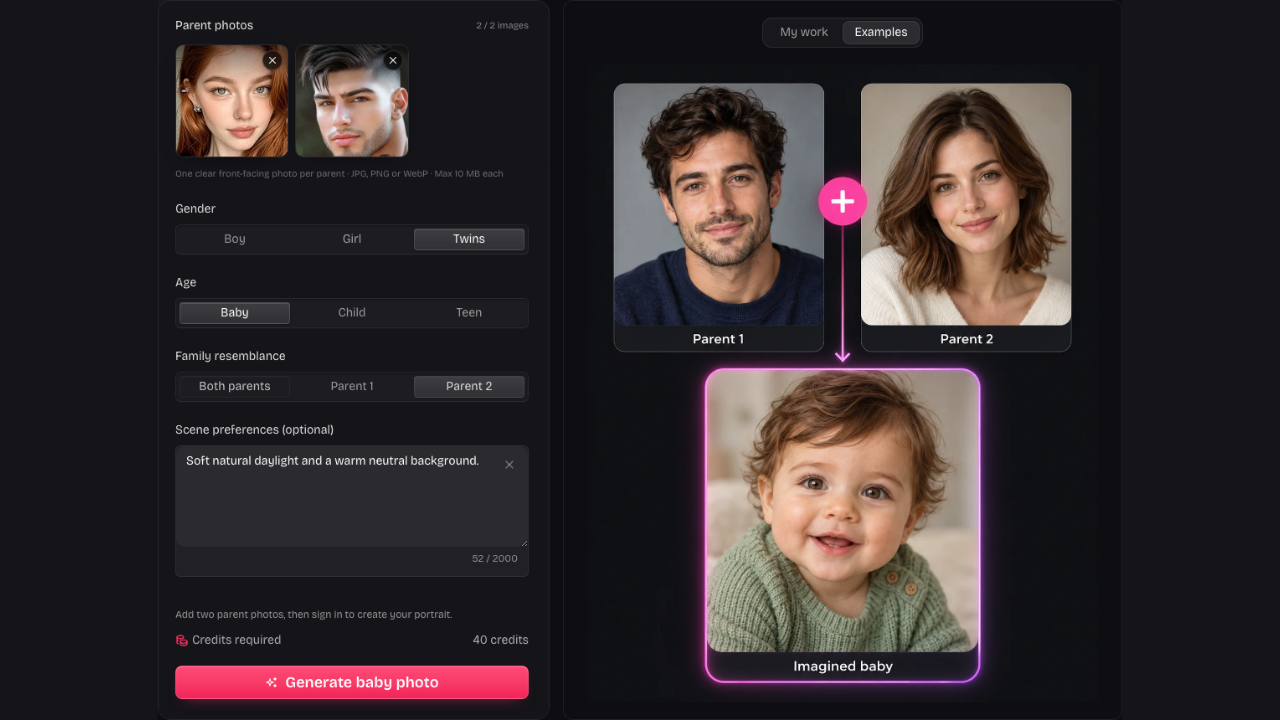
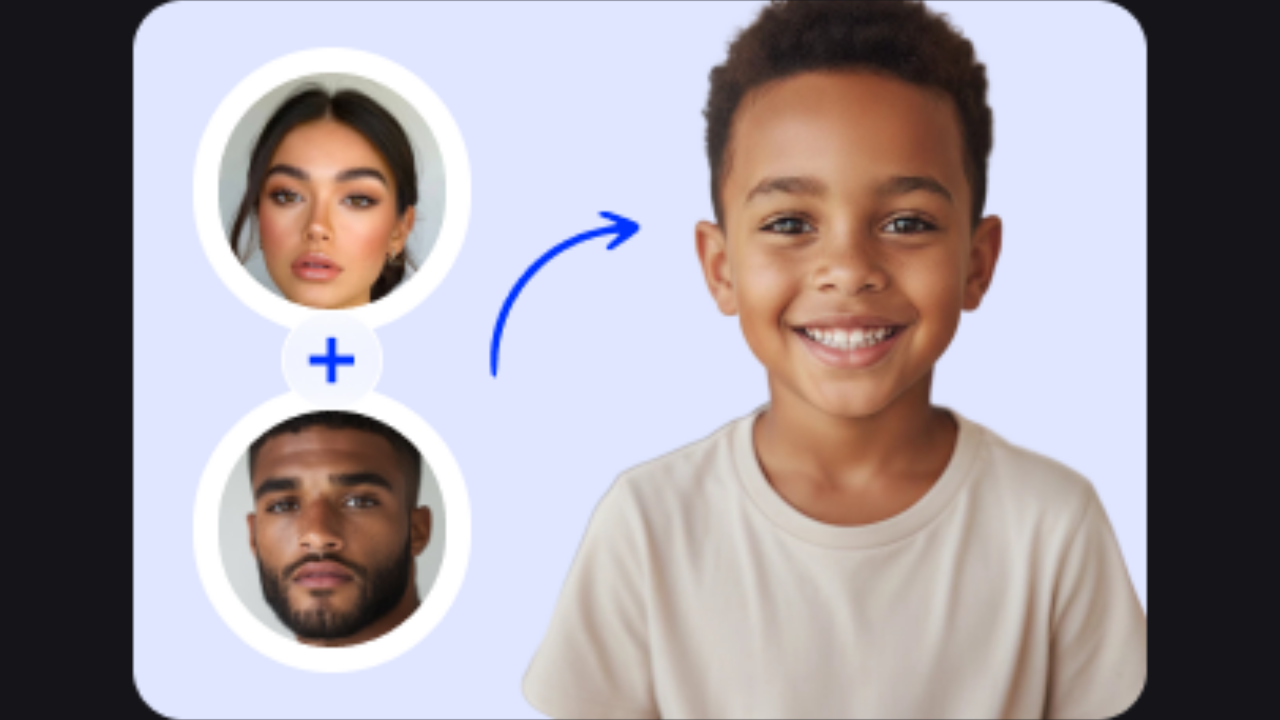
Start the AI Baby Video Generator with two adult photos when you want an imagined future child. Generate the still portrait first, review the face and use Animate only when you are ready to continue.
Create a baby portrait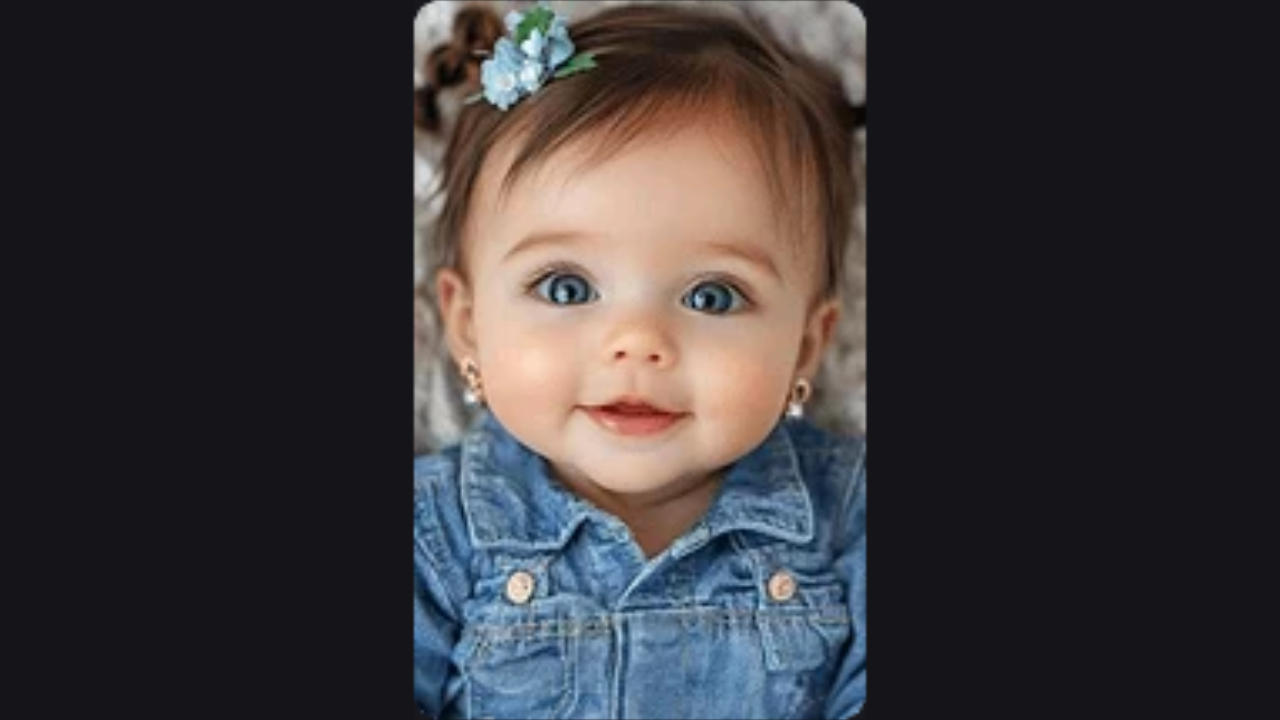
A baby AI video generator with simple motions
Choose a smile for a gentle close-up, a wave for a greeting or a giggle for a playful moment. The AI Baby Video Generator gives each request a clear motion instead of asking you to choreograph a scene.
Choose a motion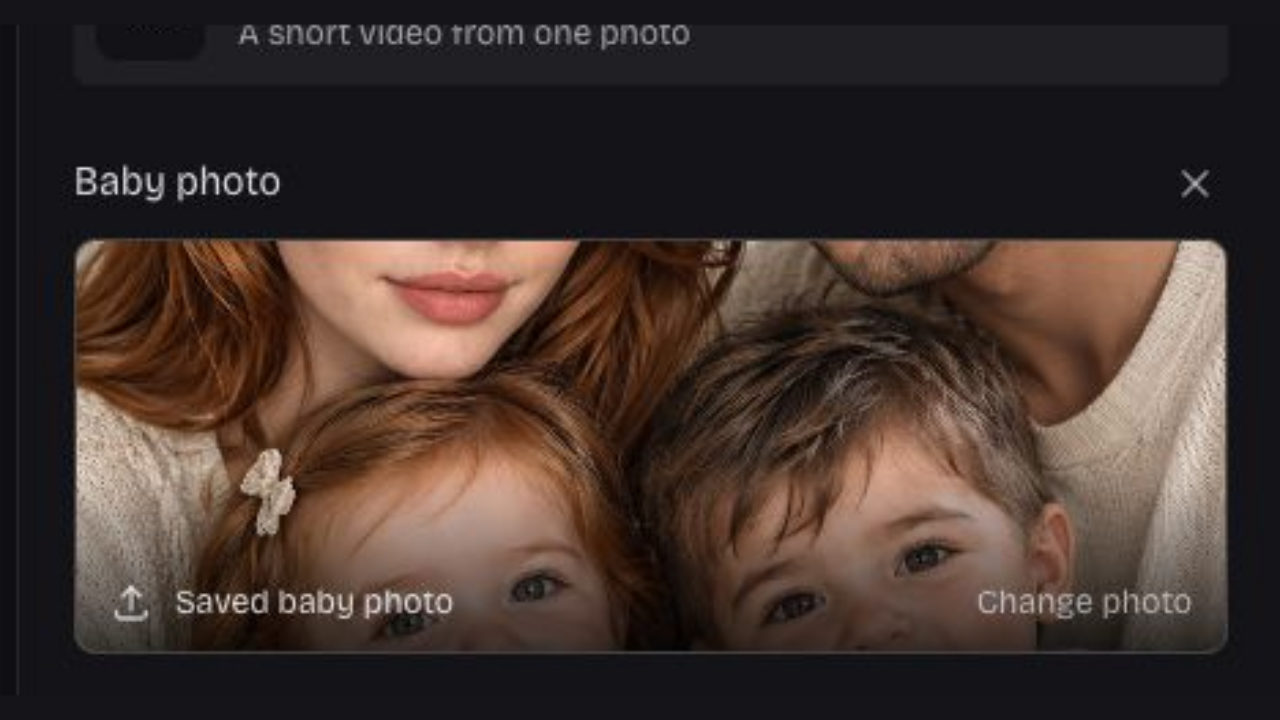
Bring a baby photo you already like
You can also upload a permitted baby image directly. The AI Baby Video Generator uses that portrait as the visual reference, letting you explore movement without spending 40 credits on a new imagined face first.
Upload a baby photo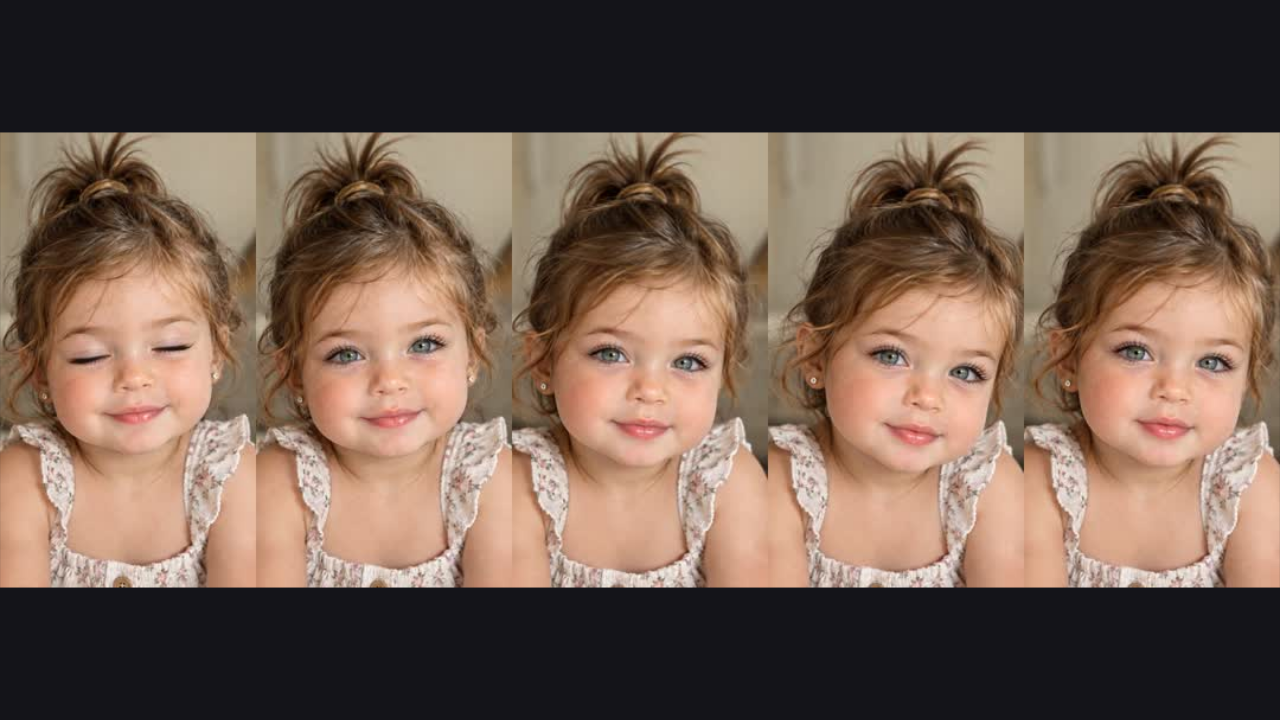
Keep the finished clip ready to share
The AI Baby Video Generator produces a five-second vertical MP4 at 480p, with no audio track. Preview the motion before downloading, then keep a local copy for a private message, family album or later editing.
Animate your portraitKeep the Moment Small and Personal
A baby AI video works best when the face and movement stay easy to read. Choose a clear portrait and a simple action, then preview the finished moment before you share it.
One clear visual reference
Keep the intended baby’s face visible in the source. The AI Baby Video Generator takes that image into the animation request rather than starting from text alone.
A motion with a purpose
A smile, wave or giggle gives the clip a focused idea. The AI Baby Video Generator offers a short set of choices for natural portrait movement.
A useful handoff from photos
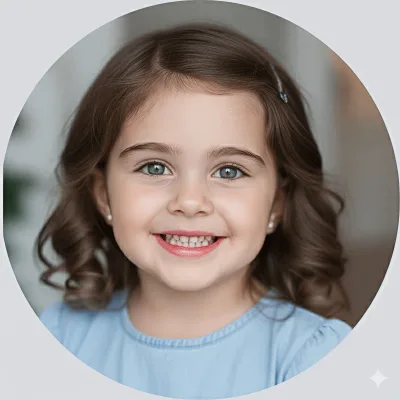
Open Animate after creating a baby portrait. It carries the selected saved image into the next step so you can continue your idea.
One balance for photos and videos
The AI Baby Video Generator costs 1,000 credits per clip; photos cost 40. Buy once and use the same balance for either format.
More Baby Photo and Video Tools
AI Baby Video Generator Questions
It creates a five-second animation from a baby photo, using a smile, wave or giggle as the requested motion. It is a generated creative clip rather than footage of a real event.
Yes. Choose the two-parent photo path, upload both adult portraits and create an imagined baby image first. This sequence costs 40 credits for the portrait and another 1,000 credits for the resulting clip. Uploading a baby photo directly skips the separately charged portrait step.
Yes. Choose the baby-photo path and upload an image you may use. The AI Baby Video Generator can animate that reference directly. Keep the face clear with space around it, especially when your motion includes a hand movement.
Your first sign-in includes 40 free credits, enough for one photo. Each video costs 1,000 credits. Buy 400 credits for $2.99 or 5,200 for $19.99; smaller packs can be combined. Credits never expire, with no subscription or automatic renewal.
Select Smile, Wave or Giggle in the AI Baby Video Generator. A scene note can describe mood or setting. For choreographed movement, choose a template in the separate baby dance tool.
The downloaded clip is silent. Review the movement, then use another editor if your project needs sound. The AI Baby Video Generator does not accept music uploads, voice recordings or dialogue.
Each clip is five seconds long, in a vertical 9:16 frame at 480p. Preview the completed clip before downloading so you can decide whether the expression and movement fit the small moment you imagined.
The source photo guides the result, but generated motion can change facial details or create artifacts. The AI Baby Video Generator creates an interpretation of the reference rather than guaranteeing frame-by-frame identity or a perfectly unchanged face.
Open My work while signed in to the account that created the clip. Completed tasks have a preview and download action. Download videos you want to keep instead of treating the workspace as your only copy.
Yes. Choose Animate on a completed photo result. The AI Baby Video Generator checks that the saved portrait belongs to your account, then imports it into the next step. Review the reference and choose a motion before generating.
A natural-motion clip focuses on an expression or small gesture, such as a smile or wave. The AI Baby Video Generator is the simpler choice for an animated portrait; use Baby Dance when the movement itself is the main idea.
Watch the full clip and inspect the face, body and background for distracting changes. Download the AI Baby Video Generator output when it is ready so you keep control of the file you choose to share.

Give a Baby Portrait a Little Movement
Choose an image, pick a smile, wave or giggle and preview a five-second clip in the AI Baby Video Generator.
Animate a baby photo