Prompt
Template 1 of 3The child does a playful gentle bounce and claps their hands to a simple rhythm. Whole body visible, stable identity and clothing, wholesome age-appropriate movement.
Give a baby portrait a playful new move. AI Baby Dance uses your photo and a selected routine to create a five-second vertical video, with examples to preview before you choose a dance.
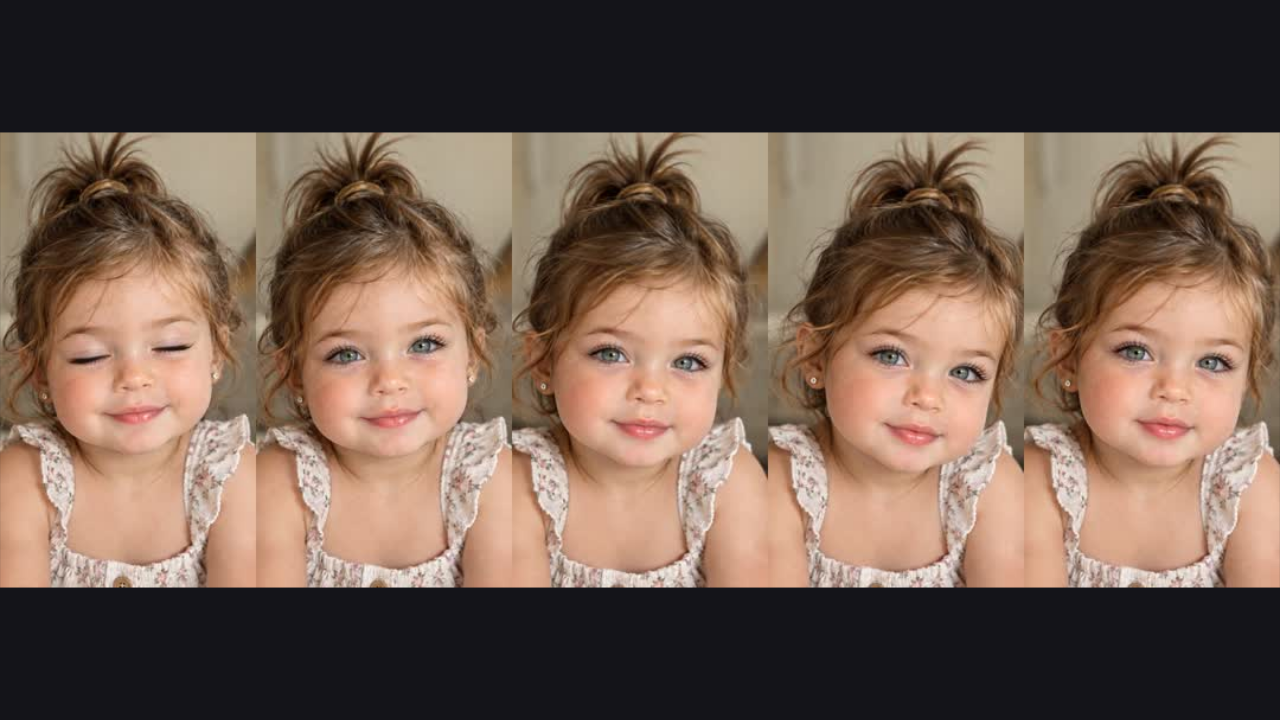
Compare the opening frame with its playing dance preview. AI Baby Dance makes the shift from a still pose to movement easy to see before you choose a routine.
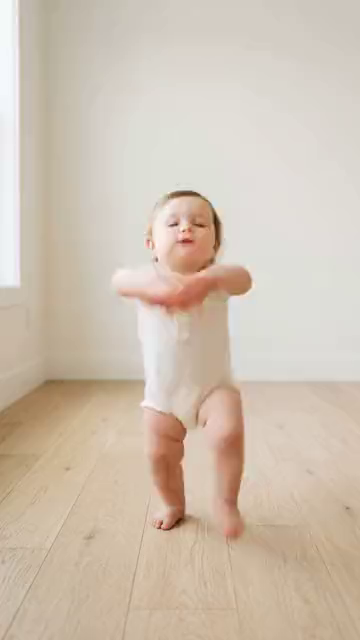
Upload a baby photo you have permission to use. Give AI Baby Dance a visible face and enough of the body to express the selected movement.
Browse the examples, then choose Zoo, Not Cute Anymore or Overdrive. AI Baby Dance keeps your uploaded photo while you compare the available routines.
Generate the clip for 1,000 credits from your shared balance. Watch the complete AI Baby Dance result, then download the silent MP4 when you want to keep it.
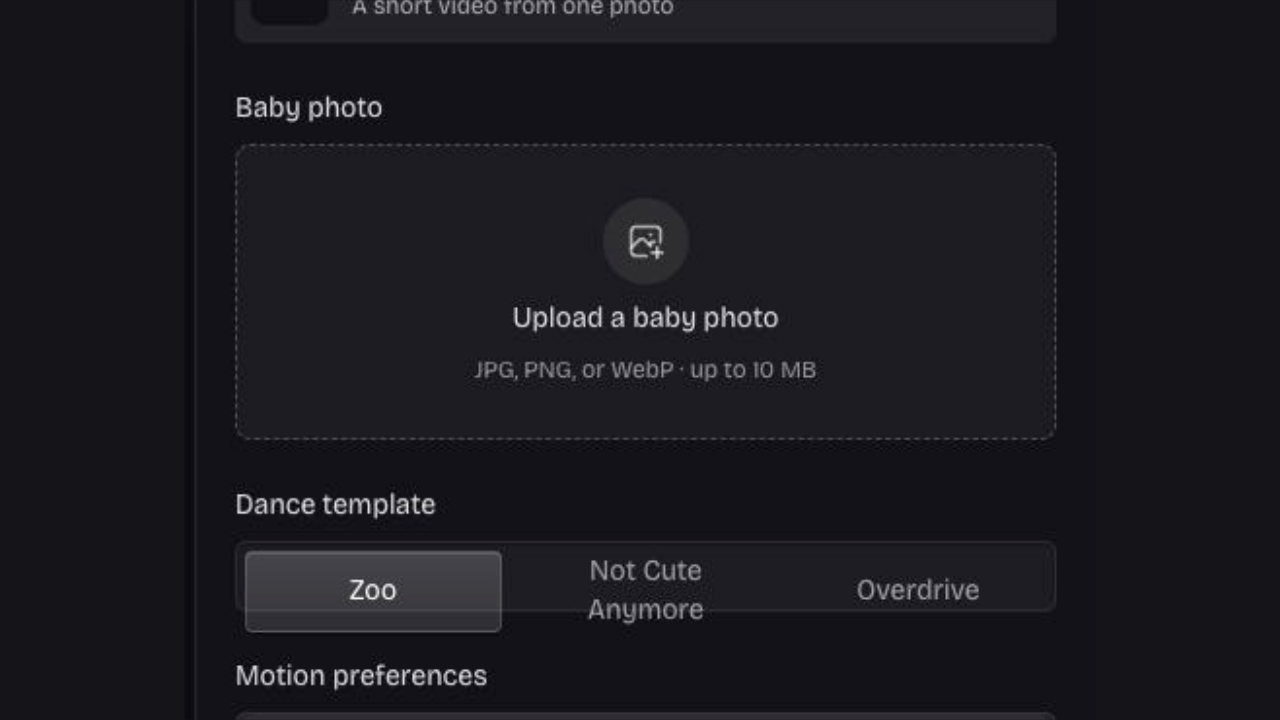
Your uploaded image provides the visual reference for the clip. AI Baby Dance pairs that photo with a selected motion template, giving you a clear starting point for the character instead of creating an unrelated baby from text.
Choose your baby photo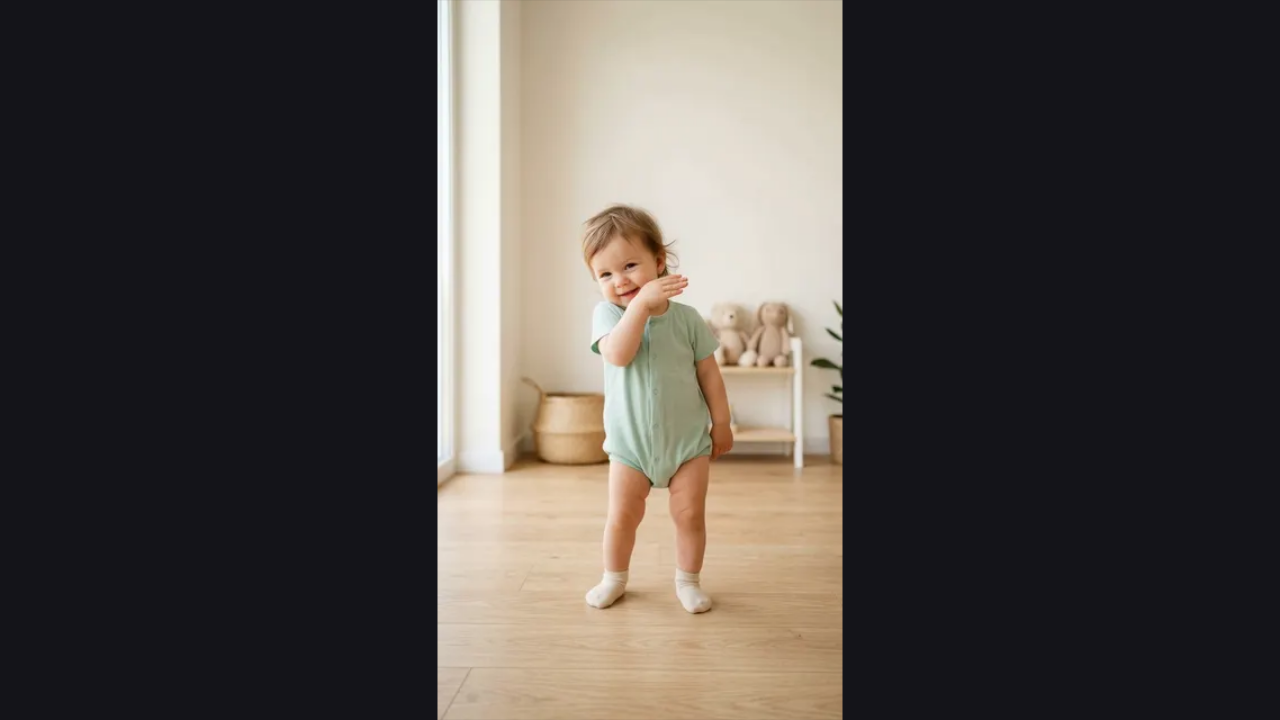
Compare the swaying feel of Not Cute Anymore with the more animated Overdrive example. AI Baby Dance keeps these routines distinct and preserves your photo while you switch examples, making it easier to choose the direction that suits the portrait.
Compare the routines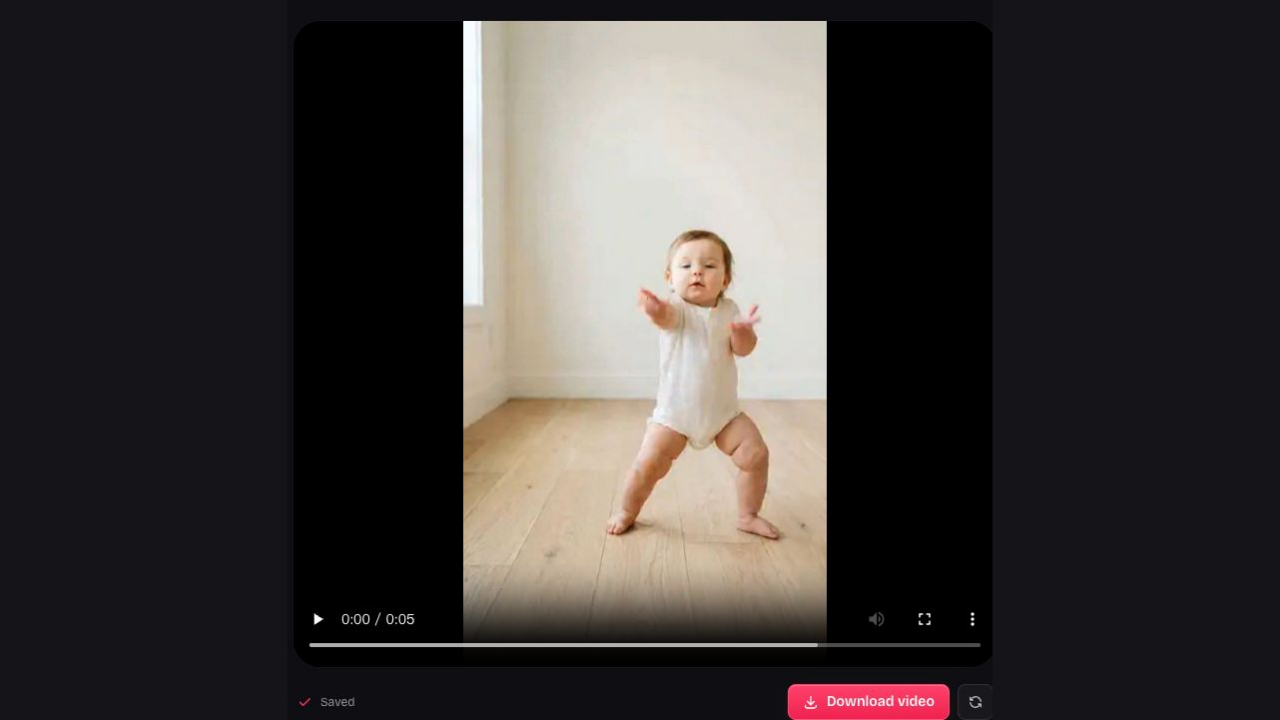
Every AI Baby Dance request produces a five-second, 9:16 MP4 at 480p with no audio track. Watch the result in My work and download it for a private message, a family joke or later editing.
Create your dance clipAI Baby Dance keeps the process centered on the photo and routine you choose. Preview the examples, check your source image and save the finished clip that makes the idea work.
Watch the example before making a selection. AI Baby Dance gives the movement a visible reference so you can choose more confidently than with a name alone.
Switch between examples without replacing the uploaded image. AI Baby Dance lets you compare routines while keeping the same intended character ready for the request.
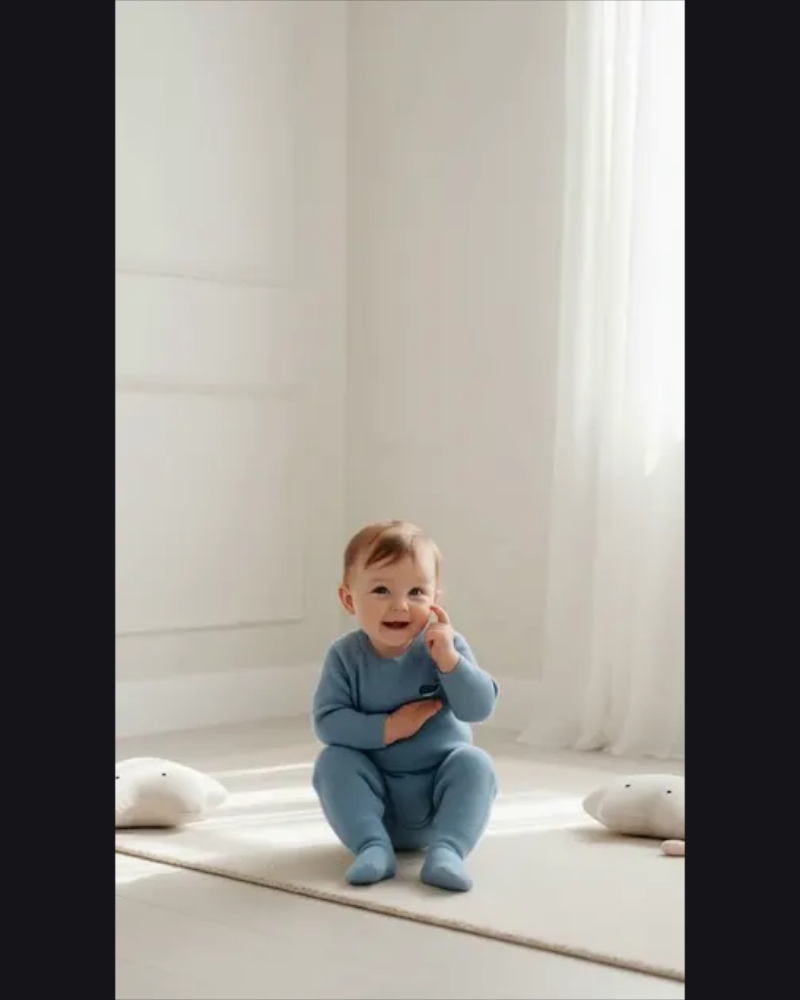
My work shows the saved dance tasks for your account. Return to AI Baby Dance to review a completed clip and the routine selected for it.
AI Baby Dance and natural animations cost 1,000 credits per clip; photos cost 40. Buy once and spend the shared balance across all tools.
It creates a five-second generated dance clip using your baby photo as the visual reference and a selected routine as the motion reference. The output is a silent, vertical 9:16 MP4 at 480p.
Choose Zoo, Not Cute Anymore or Overdrive. The routine guides the kind of motion, but the finished clip is a new interpretation of your photo rather than an exact copy of every example frame.
Each dance costs 1,000 credits. Your first sign-in includes 40 free credits, enough for one photo. Buy 400 credits for $2.99 or 5,200 for $19.99; packs can be combined. Credits never expire and work across photos, animations and dances, with no automatic renewal.
Choose a clear image with an unobstructed face and visible body. Avoid crowded group pictures or very tight face crops when the routine needs arm or body movement, and upload only images you have permission to use.
Yes. Download a portrait you created with the baby photo generator, then upload it to AI Baby Dance. The original portrait costs 40 credits, and the dance clip costs another 1,000 credits from the same balance. You can also start with an existing permitted baby photo.
No. Choose one of the three supplied motion templates. AI Baby Dance uses those routines as its motion references, so you can start from a baby photo without uploading another video, describing choreography or supplying an audio file.
The resulting MP4 has no audio track. Watch the silent preview to assess the motion, then add sound in a separate editor if you have the necessary rights and your project needs an audio track.
The photo guides appearance, but generated movement can alter the face, hands, clothing or background. Inspect those details across the full five seconds. A clear reference helps communicate the intended character; it does not guarantee exact identity or a result without visual artifacts.
Yes. AI Baby Dance and natural-motion baby videos both cost 1,000 credits per clip from the same balance. Photos cost 40 credits each. You decide how to mix them, and can use all your credits for photos or save them for videos without a monthly deadline.
Sign in to the account that created it and open My work in the dance workspace. Keep a local copy of any clip you want to save, rather than relying on the online workspace as a permanent video library.
No. Selecting a different routine changes the motion choice while keeping your uploaded image. AI Baby Dance separates the character reference from the routine, so you can compare examples without repeatedly uploading the same photo.
Watch the clip first, use only permitted images and respect the privacy of anyone represented. Download the finished MP4 when you are satisfied, then choose the audience and message that fit the playful idea.

Preview a routine and turn your permitted baby photo into a playful five-second AI Baby Dance clip you can watch and download.
Create a dance clip